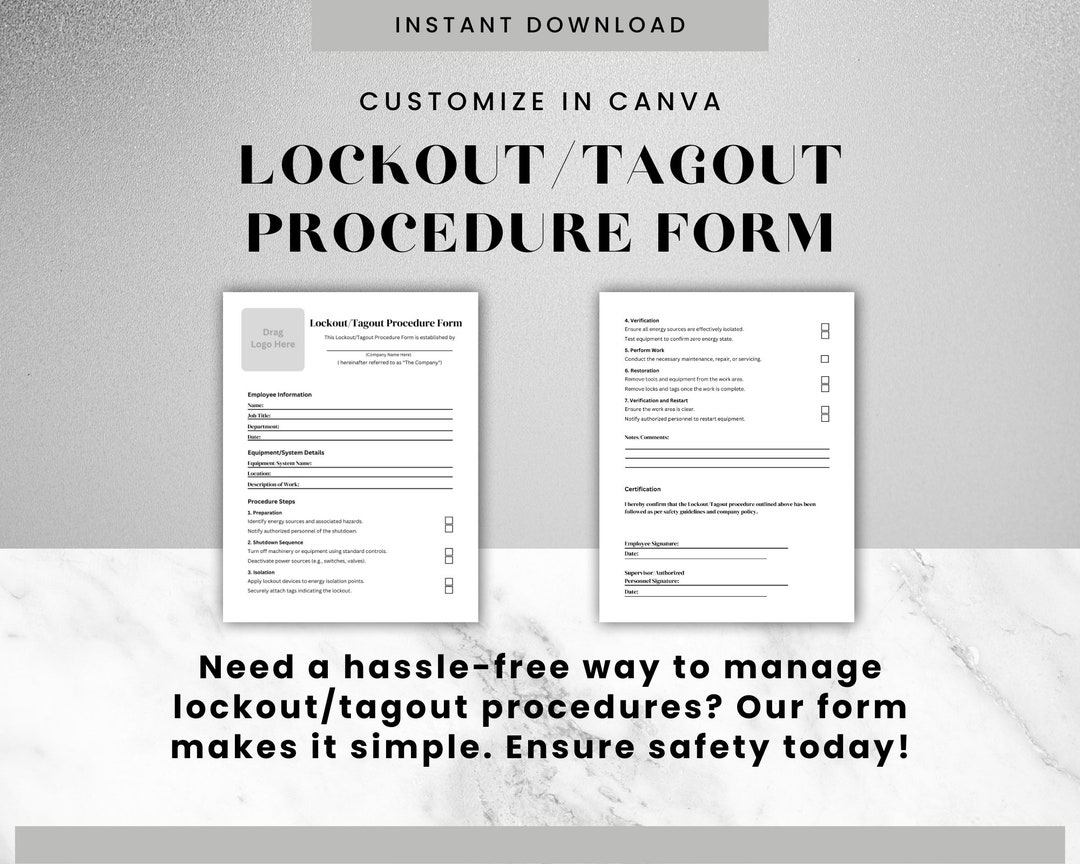
Every year, hundreds of workers suffer severe injuries—or worse—because machinery was accidentally energized during maintenance. At the heart of preventing these tragedies is a simple but powerful document: the lockout tagout procedure form. Far more than just a checklist, this form is the backbone of an effective energy control program, ensuring that equipment is properly isolated from all hazardous energy sources before servicing.
Without a standardized form, even well-intentioned teams can overlook critical steps, miscommunicate responsibilities, or fail to verify lockout effectiveness. This article breaks down everything you need to know about the lockout tagout procedure form—what it should include, how to use it properly, and why skipping it is never an option.
Why the Lockout Tagout Procedure Form Matters
The lockout tagout (LOTO) procedure form isn’t just paperwork—it’s a legal and operational safeguard. OSHA standard 29 CFR 1910.147 mandates that employers implement a written energy control program, and the procedure form is a required component.
Think of it this way: a mechanic working on a conveyor belt assumes it’s safe because someone said it was shut down. But if no formal procedure was followed—and no form documents the lockout—the risk of accidental startup remains high. A single misstep can lead to amputations, electrocution, or fatalities.
A well-designed LOTO procedure form eliminates ambiguity by: - Clearly identifying energy sources (electrical, hydraulic, pneumatic, thermal, etc.) - Outlining step-by-step shutdown and isolation processes - Assigning accountability to authorized employees - Providing space for verification and sign-off
Without this document, companies risk non-compliance, increased liability, and preventable workplace incidents.
Key Components of an Effective LOTO Procedure Form
A generic template won’t cut it. Every piece of equipment has unique energy sources and isolation points. That means your lockout tagout procedure form must be specific, actionable, and easy to follow under pressure.
Here’s what every form should include:
#### Equipment Identification Start with the basics: name, model, location, and serial number. This ensures the correct machine is targeted and avoids confusion in facilities with multiple similar units.
#### Energy Sources List every potential energy source. For example: - Electrical (main disconnect, control circuits) - Hydraulic (pressure lines, accumulators) - Pneumatic (air reservoirs, compressed lines) - Mechanical (springs, gravity-fed systems) - Thermal (steam, hot surfaces)
Each source must be addressed in the procedure.
- #### Step-by-Step Lockout Process Break down the procedure into clear, sequential actions:
- Notify affected personnel
- Shut down the equipment using normal controls
- Isolate all energy sources (e.g., flip breakers, close valves)
- Apply lockout devices (padlocks, valve locks, plug locks)
- Attach tagout tags with employee name, date, and reason
- Verify zero energy state (test startup, check gauges)
This section should be detailed enough that a trained employee can follow it without asking questions.
#### Verification and Sign-Off Include a verification step where the authorized employee confirms the equipment cannot be restarted. This is non-negotiable. The form should have space for: - Initials or signature of the locking employee - Date and time of lockout - Supervisor or peer verification (optional but recommended)
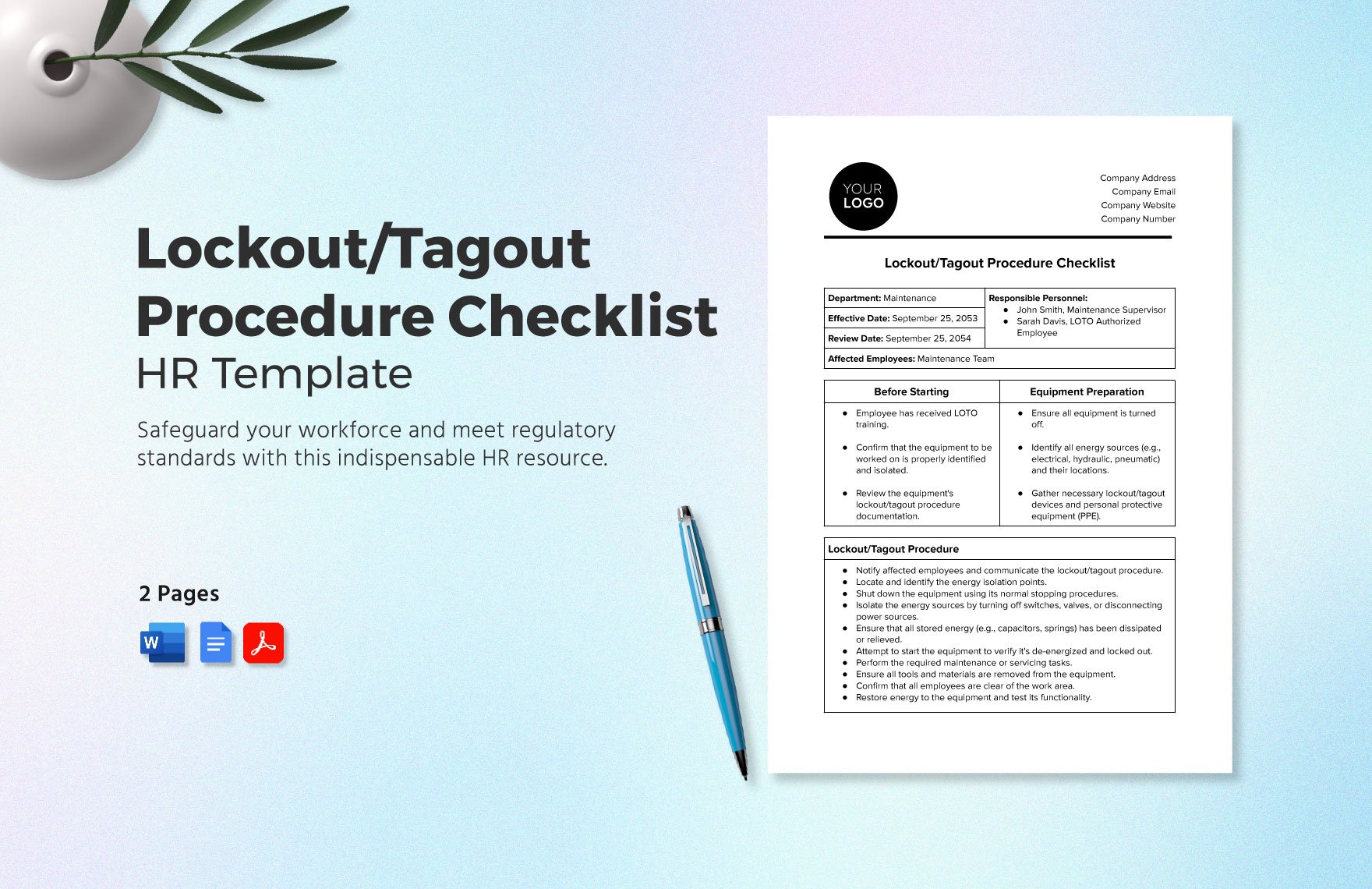
#### Release and Restart Procedure Equally important is the process for safely removing locks and returning equipment to service. The form should outline: - Verification that all tools are removed - Notification to affected employees - Authorized personnel only removing their own lock - Controlled restart and testing
Without a clear release process, workers may rush or bypass steps, creating new hazards.
Common Mistakes That Undermine LOTO Forms
Even companies with forms in place often fall into traps that reduce their effectiveness. Here are the most frequent errors—and how to fix them.
#### Using One Form for Multiple Machines A single generic form for “all presses” or “all motors” is a compliance red flag. Each machine has unique energy dynamics. Solution: Develop individualized forms for each piece of equipment.
#### Skipping Verification Some workers assume that if a lock is in place, the machine is safe. But what if the wrong circuit was isolated? Verification—actually attempting to start the machine—is mandatory. Without it, the form is incomplete.
#### Allowing Tags Without Locks Tagout-only procedures are allowed under OSHA only when energy isolation cannot be locked. But tags alone are less reliable. Relying on them unnecessarily increases risk. Use locks whenever possible.
#### Poor Form Accessibility If the LOTO form is buried in a binder or saved on a locked server, it won’t be used. Keep printed copies near machines or use digital systems accessible on tablets or kiosks.
#### Inadequate Training Employees must understand not just how to use the form, but why each step matters. Training should include hands-on practice with real equipment and forms.
Real-World Use Case: Preventing a Near-Miss in a Packaging Plant
At a food packaging facility, a technician needed to clear a jam in a high-speed labeling machine. Instead of retrieving the LOTO form, he assumed turning off the power switch was enough.
Another worker, unaware of the maintenance, restored power remotely. The machine cycled—missing the technician by inches.
An investigation revealed: - No LOTO form was completed - Multiple energy sources (electrical and pneumatic) were not isolated - No verification was performed
After the incident, the plant revised its procedure: - Created machine-specific LOTO forms - Installed lockout stations with pre-filled forms - Required photo verification via a mobile safety app
Within six months, LOTO compliance rose from 62% to 98%, and zero energy violations dropped to zero.
This case shows that the form isn’t just about compliance—it’s about creating a culture of accountability.
How to Design and Implement Your LOTO Procedure Form
Creating an effective form isn’t a one-time task. It requires collaboration, review, and continuous improvement.
#### Step 1: Conduct an Equipment Audit Inventory all machines that require maintenance. For each, identify: - Primary and secondary energy sources - Isolation points (disconnects, valves, bleed points) - Required lockout devices
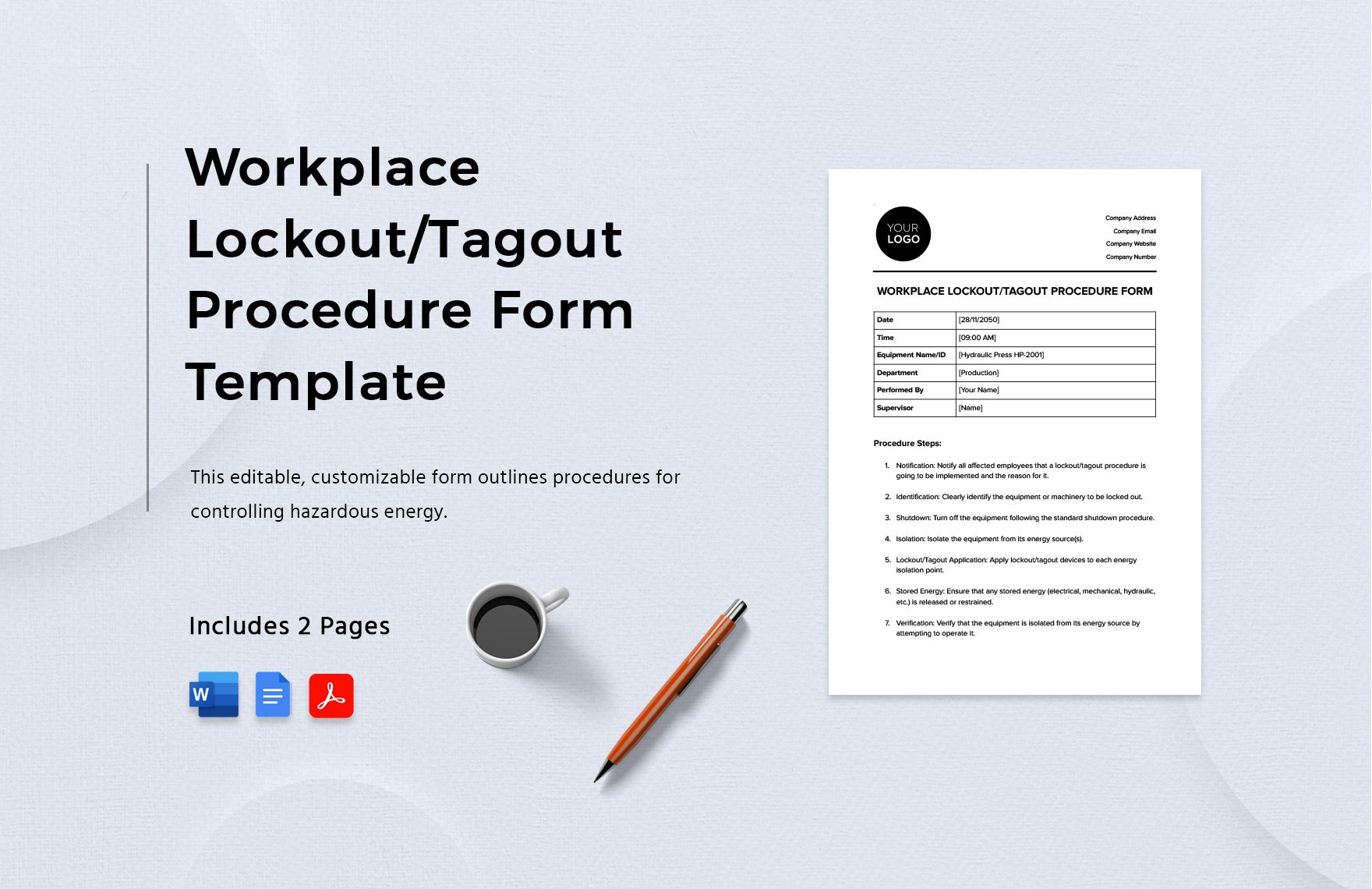
#### Step 2: Draft the Form Using a Standard Template Use a consistent format across all machines. Include fields for: - Equipment ID - Energy types - Shutdown steps - Lock application points - Verification method - Signatures
#### Step 3: Involve Authorized Employees Have maintenance technicians review and test the form. Their feedback ensures it’s practical in real conditions.
#### Step 4: Train and Communicate Train all authorized and affected employees. Use the form during drills and audits. Post summaries near equipment.
#### Step 5: Review Annually or After Changes Any equipment modification, incident, or near-miss should trigger a form review. Outdated procedures are dangerous.
Digital vs. Paper LOTO Forms: What Works Best?
While paper forms are still common, digital solutions are gaining ground—especially in large or complex facilities.
| Factor | Paper Forms | Digital Forms |
|---|---|---|
| Accessibility | Limited to physical location | Accessible via tablets, phones, kiosks |
| Version Control | Hard to update; risk of using old copies | Real-time updates, cloud sync |
| Audit Trail | Manual tracking; prone to loss | Automatic timestamps, user logs |
| Integration | Standalone | Can link to CMMS, safety software |
| Training Support | Static | Can include videos, diagrams, alerts |
Digital forms excel in environments with rotating shifts, multiple sites, or strict audit requirements. However, they require reliable devices and training. For smaller operations, well-organized paper systems still work—if rigorously maintained.
Top 5 LOTO Procedure Form Templates and Tools
You don’t have to build from scratch. These resources help streamline creation and compliance:
- OSHA Lockout/Tagout Interactive Training Program
- Free online tool from OSHA that includes sample forms, checklists, and interactive scenarios. Ideal for training and template inspiration.
- Creative Safety Supply LOTO Form Generator
- Customizable online tool that generates printable, machine-specific forms. Includes common energy sources and lock types.
- EHS Insight
- Cloud-based EHS platform with built-in LOTO module. Allows creation, assignment, and tracking of digital procedure forms with audit trails.
- SafetyCulture (iAuditor)
- Mobile app that lets teams build and use LOTO checklists in the field. Supports photos, signatures, and real-time reporting.
- Lockout Tagout Services Inc. (LTS)
- Offers customizable form kits, training, and on-site assessments. Best for companies needing turnkey solutions.
Choose based on your size, budget, and technical capacity. The goal is usability—not complexity.
Final Thoughts: Make the Form a Living Document
A lockout tagout procedure form shouldn’t gather dust in a folder. It should be used, reviewed, and trusted every time maintenance occurs.
The best forms are: - Machine-specific - Visually clear (with diagrams or icons if helpful) - Integrated into daily workflows - Backed by training and accountability
When done right, this document doesn’t just check a compliance box—it protects lives.
Start by auditing your current process. Are your forms detailed? Are they being used? Are they effective? Update them, train your team, and treat every lockout as if a life depends on it—because it does.
FAQ
What is a lockout tagout procedure form? It’s a written document that outlines the specific steps to safely shut down, isolate, and secure equipment from hazardous energy during maintenance.
Who should use the LOTO procedure form? Authorized employees—those trained to perform servicing and maintenance—must use the form to implement lockout procedures.
Do I need a separate form for each machine? Yes. Each piece of equipment has unique energy sources and isolation points, requiring individualized procedures.
Can digital forms replace paper LOTO forms? Yes, as long as they contain all required elements and are accessible to employees during use.
How often should LOTO forms be reviewed? At least annually, or whenever equipment changes, an incident occurs, or new hazards are identified.
What happens if a LOTO form is not used? Failure to use a procedure form violates OSHA regulations and increases the risk of serious injury or death from unexpected energization.
Can a tag be used without a lock? Only when a lock cannot be applied. Tagout-only procedures require additional safety measures and are less secure than lockout.
FAQ
What should you look for in Lockout Tagout Procedure Form: A Complete Guide to Compliance? Focus on relevance, practical value, and how well the solution matches real user intent.
Is Lockout Tagout Procedure Form: A Complete Guide to Compliance suitable for beginners? That depends on the workflow, but a clear step-by-step approach usually makes it easier to start.
How do you compare options around Lockout Tagout Procedure Form: A Complete Guide to Compliance? Compare features, trust signals, limitations, pricing, and ease of implementation.
What mistakes should you avoid? Avoid generic choices, weak validation, and decisions based only on marketing claims.
What is the next best step? Shortlist the most relevant options, validate them quickly, and refine from real-world results.




